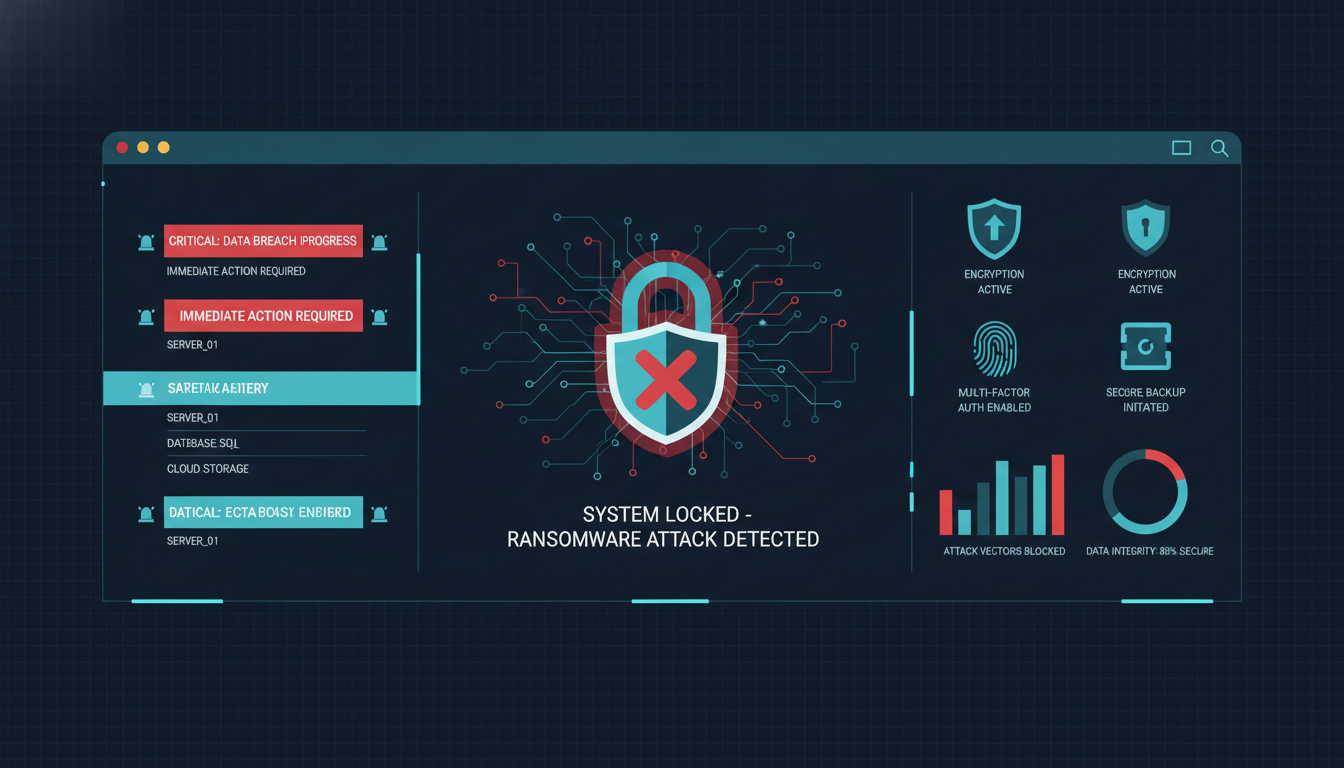
Ransomware Attacks Explained: How to Protect Your Systems
Ransomware has become one of the most serious cybersecurity threats facing businesses, organizations, and individual users. These attacks can lock critical systems, encrypt sensitive data, and disrupt operations until a ransom is paid. Understanding how ransomware works and how to prevent it is essential for maintaining digital security.
What Is Ransomware?
Ransomware is a type of malicious software designed to block access to files or systems by encrypting data. Attackers then demand payment, often in cryptocurrency, in exchange for restoring access.
Ransomware attacks target a wide range of victims, including small businesses, large enterprises, healthcare organizations, and personal users.
How Ransomware Attacks Happen
Phishing Emails
One of the most common entry points is phishing. Attackers send emails that appear legitimate, tricking users into clicking malicious links or downloading infected attachments.
Unpatched Software Vulnerabilities
Outdated operating systems, plugins, or web applications can contain known security flaws that attackers exploit to deploy ransomware.
Compromised Remote Access
Weak or reused passwords for remote desktop access can allow attackers to gain direct control of systems.
The Impact of Ransomware
Beyond financial loss, ransomware can cause long-term damage to reputation, customer trust, and operational stability.
- Loss of access to critical data
- Downtime and business disruption
- Legal and compliance risks
- High recovery costs
Essential Ransomware Prevention Measures
Regular Data Backups
Maintaining offline and cloud-based backups ensures data can be restored without paying a ransom.
Keep Systems Updated
Applying security patches and updates reduces exposure to known vulnerabilities.
User Awareness Training
Educating users to recognize suspicious emails and links significantly lowers the risk of infection.
Strong Access Controls
Using strong passwords, multi-factor authentication, and restricted access limits attacker movement within systems.
Incident Response Planning
Having a documented response plan allows organizations to act quickly if an attack occurs. This includes isolating affected systems, notifying stakeholders, and restoring data from backups.
Real-World Example
A mid-sized company experienced a ransomware attack through an outdated server. Because the company maintained regular backups and patched systems promptly afterward, it restored operations without paying the ransom and improved its long-term security posture.
FAQ
Should victims pay the ransom?
Security experts generally advise against paying, as it does not guarantee data recovery and encourages future attacks.
Can antivirus software stop ransomware?
Antivirus tools help but should be combined with backups, updates, and user training for effective protection.
Are small businesses at risk?
Yes, small organizations are often targeted due to weaker security controls.
For further learning, explore related internal articles on malware prevention, secure authentication practices, and data protection strategies.